

Design mockup, not published. Version, dates, checksums and the pairing code are examples.

Download AgentryBot

Your AI sidekicks, ready to work. Install the app, give each sidekick a job, then pair your phone to check in from anywhere.

Download for LinuxStarting download…Download started

.deb package for Ubuntu and Debian, x64Next, open the file to install it.

Didn’t start? Try again

AgentryBot is a desktop app for Windows and Linux. Open this page on your computer to download it.

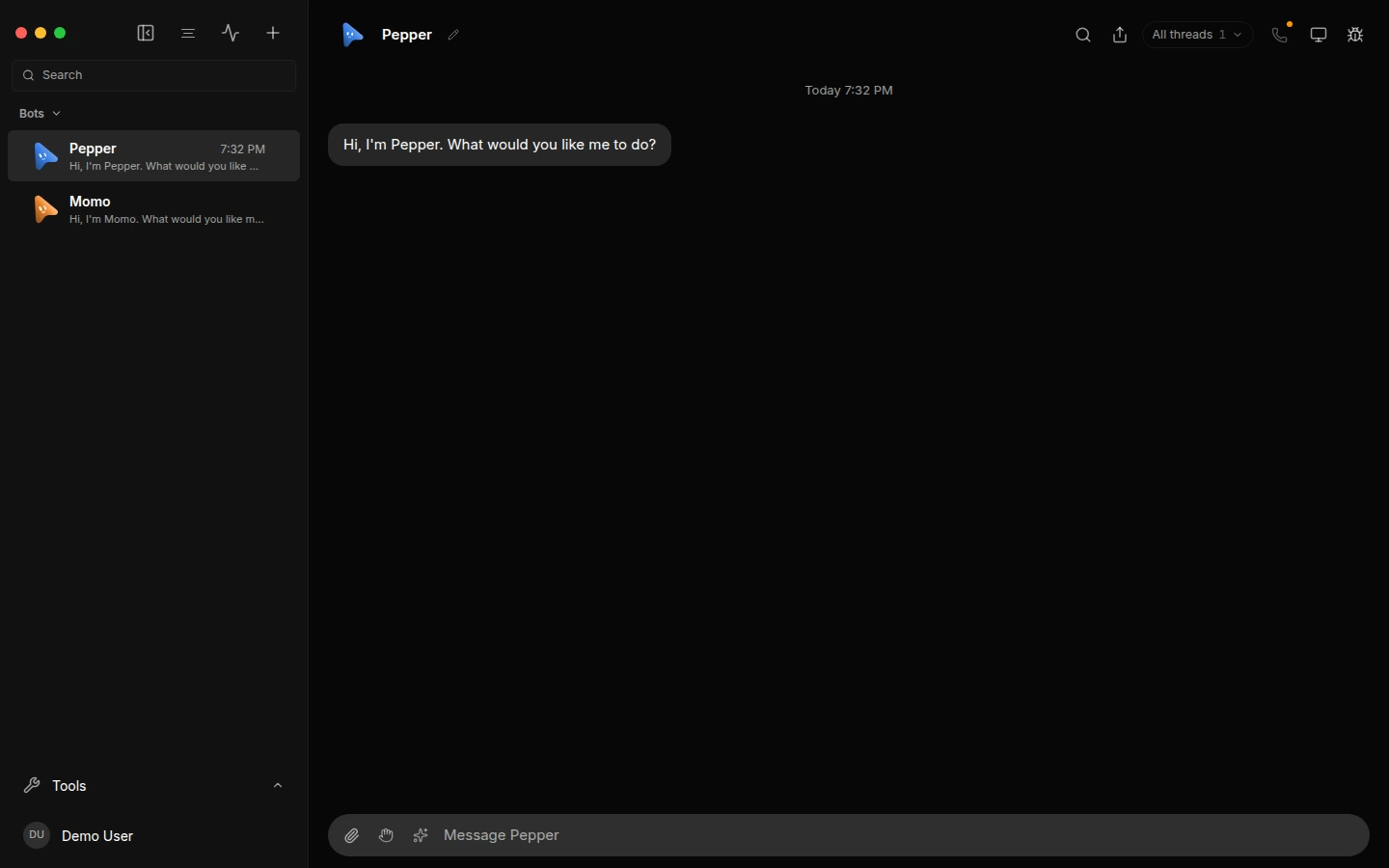
The AgentryBot app: Pepper and Momo in the sidebar, and a chat with Pepper open.

Pick your system

The button up top already picked the right file for you. Need a different one? It’s all here.

Verify your download: SHA-256 checksums for 0.1.0 (example)

Version 0.1.0 (example), released Sep 27, 2026 (example)Release notesAll versions

Windows might double-check first

The first time you open the installer, Windows may show a “Windows protected your PC” message. That usually means the app is new and doesn’t have a reputation with Microsoft yet. It isn’t a virus alert.

  1. Click More info.
  2. Click Run anyway.

Only download AgentryBot from agentrybot.ai. Want to be extra sure? Compare your file with its SHA-256 checksum.

Connect your phone

Pair once, then check in on your sidekicks from anywhere. It takes about a minute.

  1. The AgentryBot window, open on the chat with Pepper.

    Open AgentryBot on your computer.

    Once it’s installed, open it from the Start menu or your apps list.

  2. Get a pairing code.

    In the app, open Settings, then Remote access. A short code appears.

  3. Enter the code on your phone.

    Type it in and tap Connect. You’re paired.

Codes work once and expire after 5 minutes. Missed it? Just get a new one.

You can disconnect a phone any time in Remote access.